
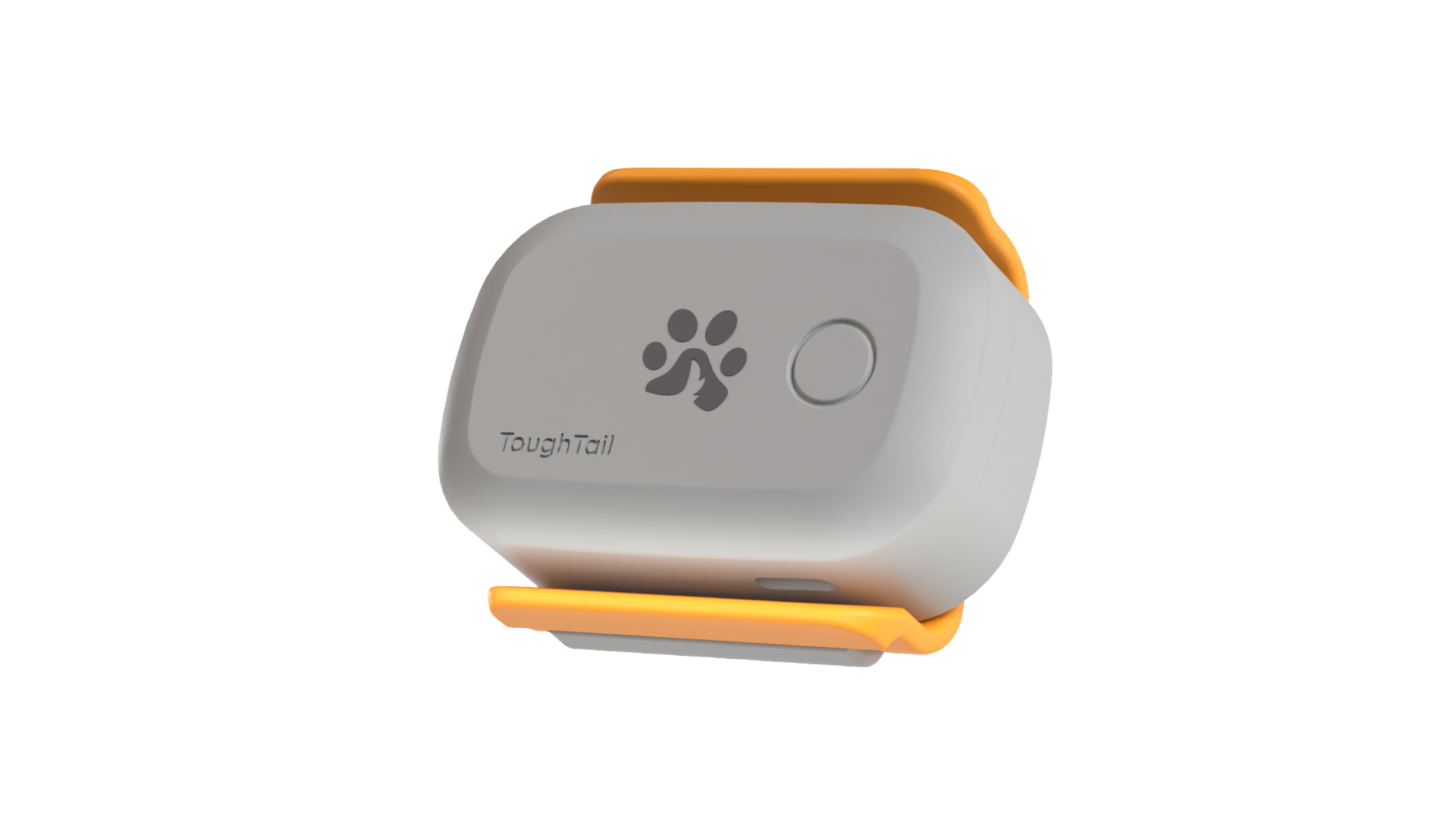
 Locate Series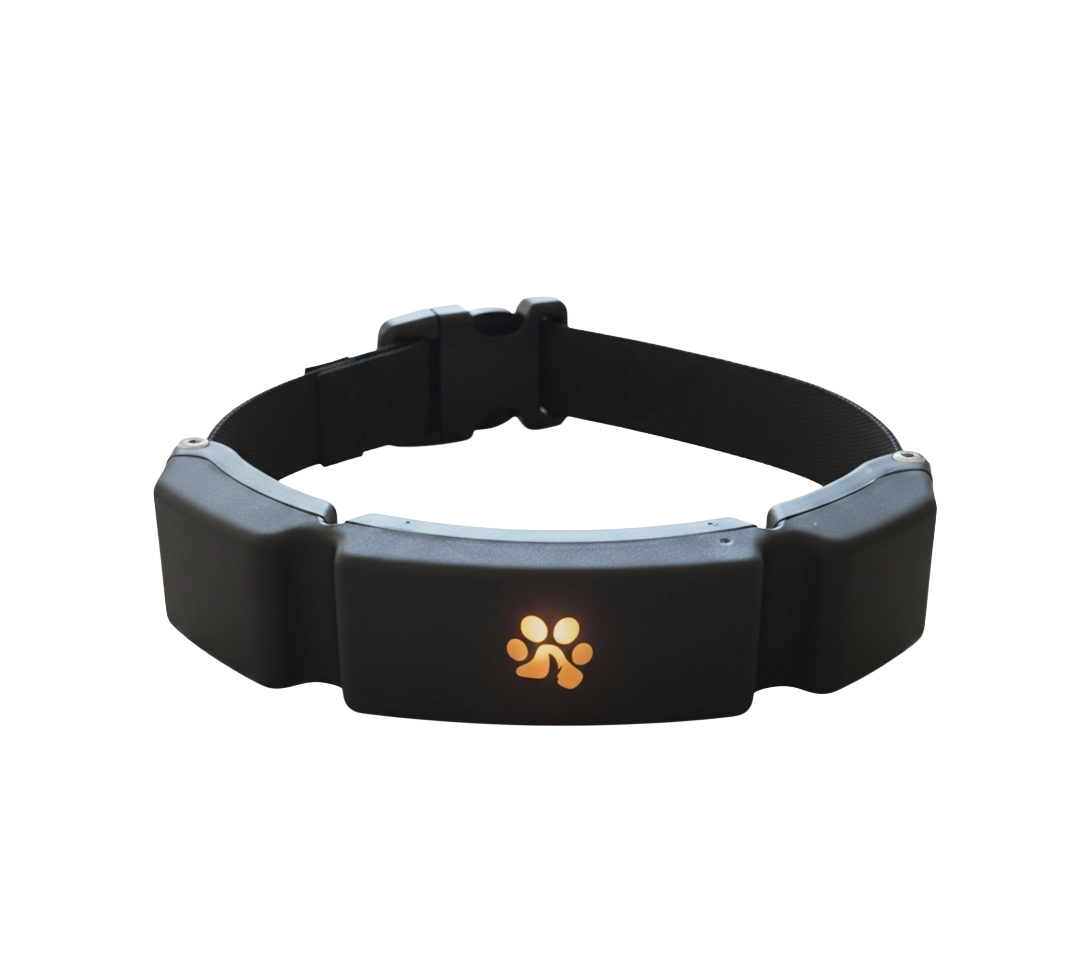
 Guidance Series
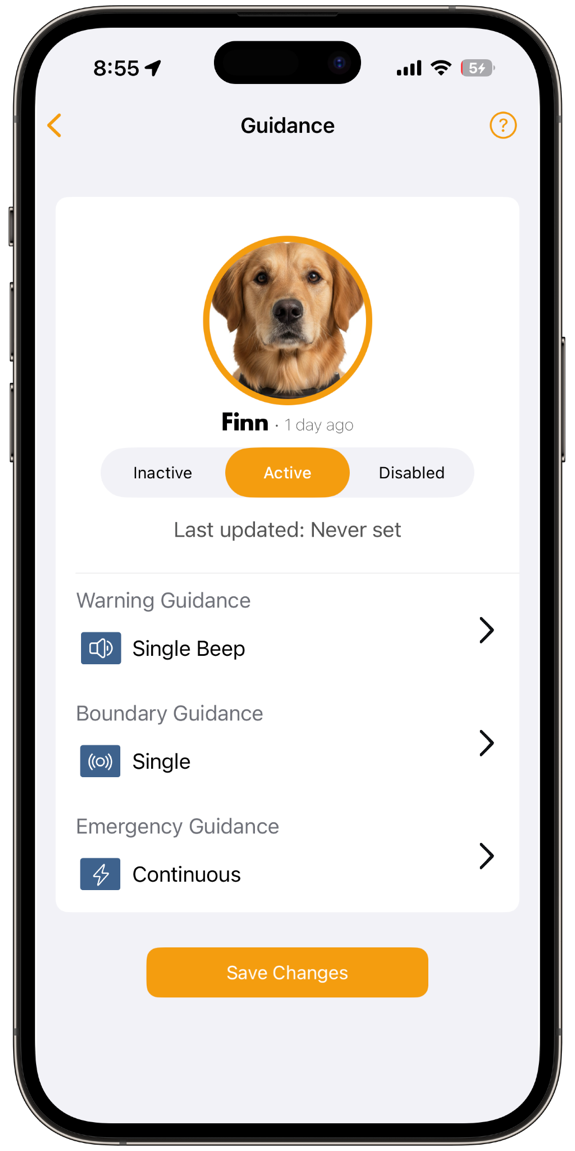
Guidance settings
Set your cues.
Choose each stage’s cue and adjust when it activates.
Two ways to guide.
An optional setting that plays an audio cue when your pet leaves a Virtual Fence or enters a Restricted Zone.
Turn Guidance on or off for all Virtual Fences and Restricted Zones together. No approach warnings or progressive stages.
Staged feedback as your dog approaches, reaches, and crosses a boundary. One example setup:
An early cue as your dog approaches the boundary.
A reminder as your dog reaches the edge.
A cue when your dog crosses, if enabled for this stage.
Choose the cue for each stage in the app. Available cue types depend on your device. Guidance turns on or off for all Virtual Fences and Restricted Zones together.
Your dog. Your zones. Settings you can adjust as you train together.
Choose each stage’s cue and adjust when it activates.
Send cues while you train, follow live location, and review progress with Safety Score.
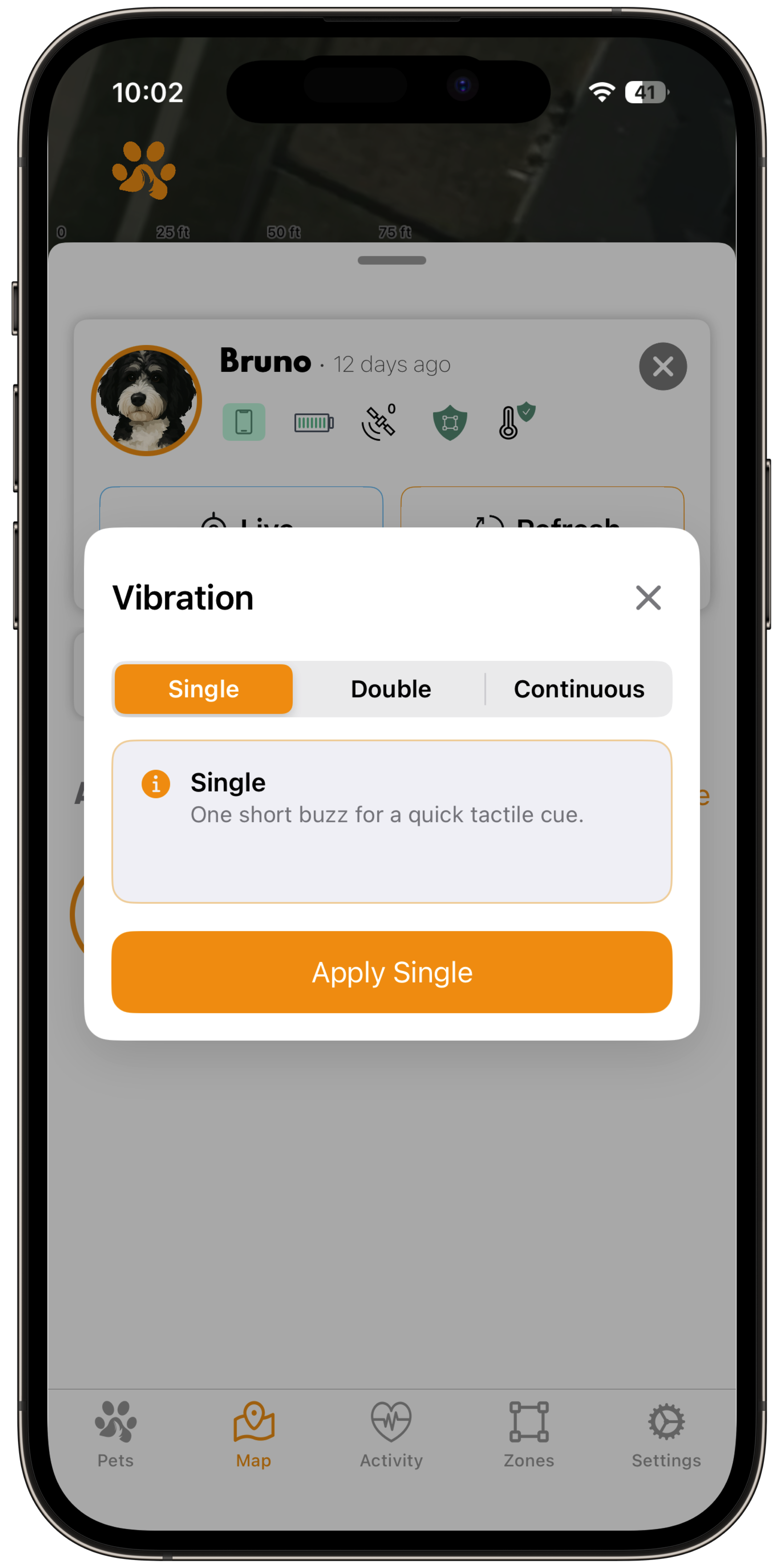
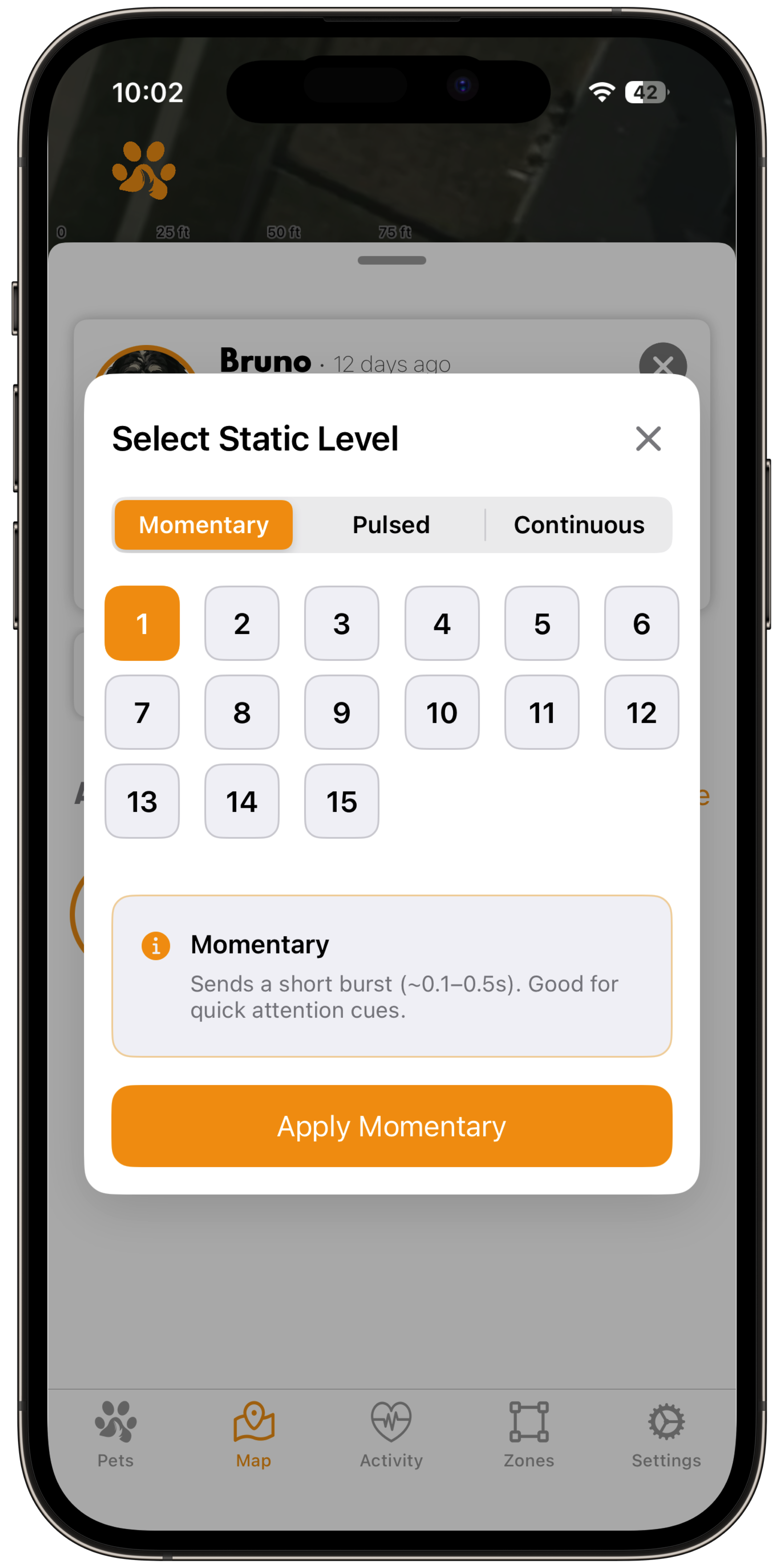
Choose preset or custom levels. Use lockout controls to help prevent accidental activation.
An optional GPS accuracy boost helps your collar locate your dog more precisely around the boundaries you create.
Give your Guidance Collar™ an extra level of GPS accuracy. The ToughTail Precision Network supplies live correction data to help your collar better locate your dog around the boundaries you create.
Get access to the network with an optional Precision Network Plan, separate from your cellular plan.
Powered by RTK technology, the service uses live correction data from a third-party network of fixed reference stations to help reduce GPS positioning errors.
Requires a compatible Guidance Collar™, correction-service coverage, and connectivity. Accuracy varies with signal conditions, movement, and setup.
Explore the devices and choose the right Guidance for your dog.
Compare devicesFor setup and safety instructions, read the Standard Tracker manual or Guidance Collar manual.